

How to Install and Activate SmartOne IPTV Player 2025
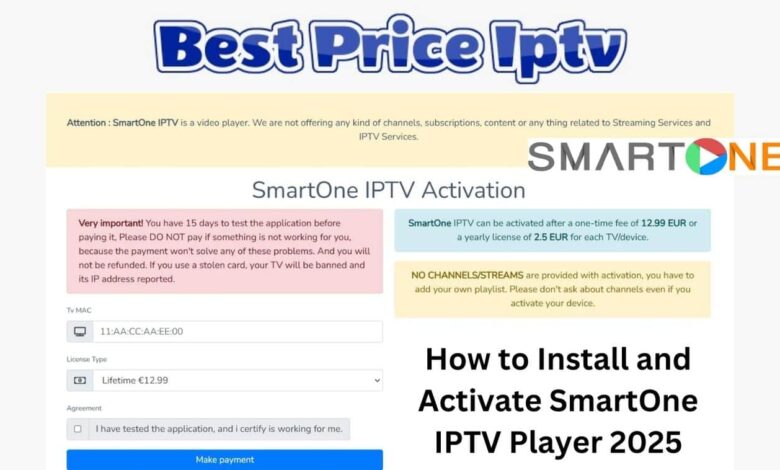
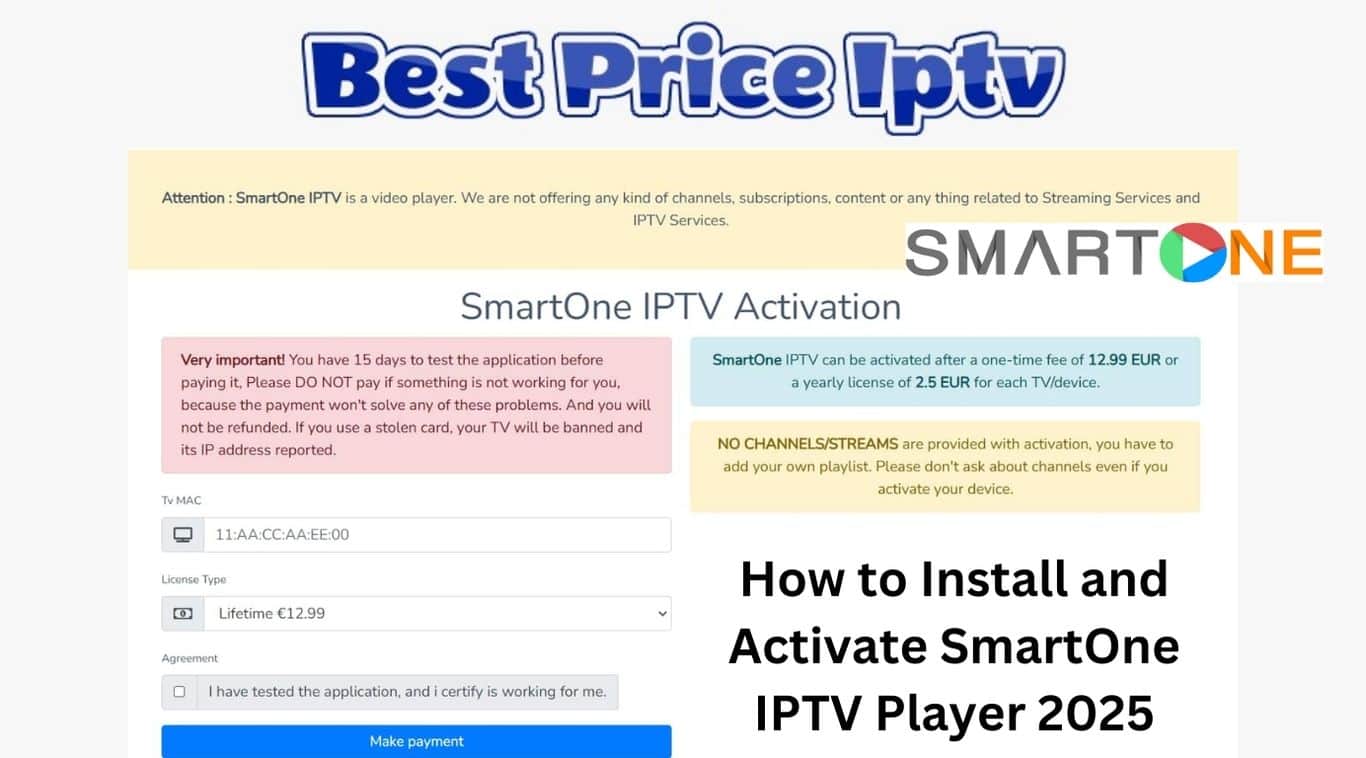
How to Install and Activate SmartOne IPTV Player 2025 : SmartOne IPTV is a media player designed to access live channels and on-demand content. However, it does not come with any video content itself; you must subscribe to a separate streaming service.
To stream content on this Activate SmartOne IPTV Player, you will need to use an M3U file or Xtream API code provided by your service provider. You can activate the IPTV player by paying a one-time fee of €12.99 or by opting for a yearly payment of €2.50. If you want to activate the player on additional devices, a separate payment will be required.
Overview of Activate SmartOne IPTV Player 2025
SmartOne IPTV Player 2025 is turning heads in the world of streaming applications. It’s designed specifically for smart TVs like Samsung and LG, providing an all-in-one platform where you can access live TV, video on demand (VOD), and series seamlessly. What’s more, it supports multiple devices, allowing users to easily manage their viewing experience.
SmartOne IPTV Player Features
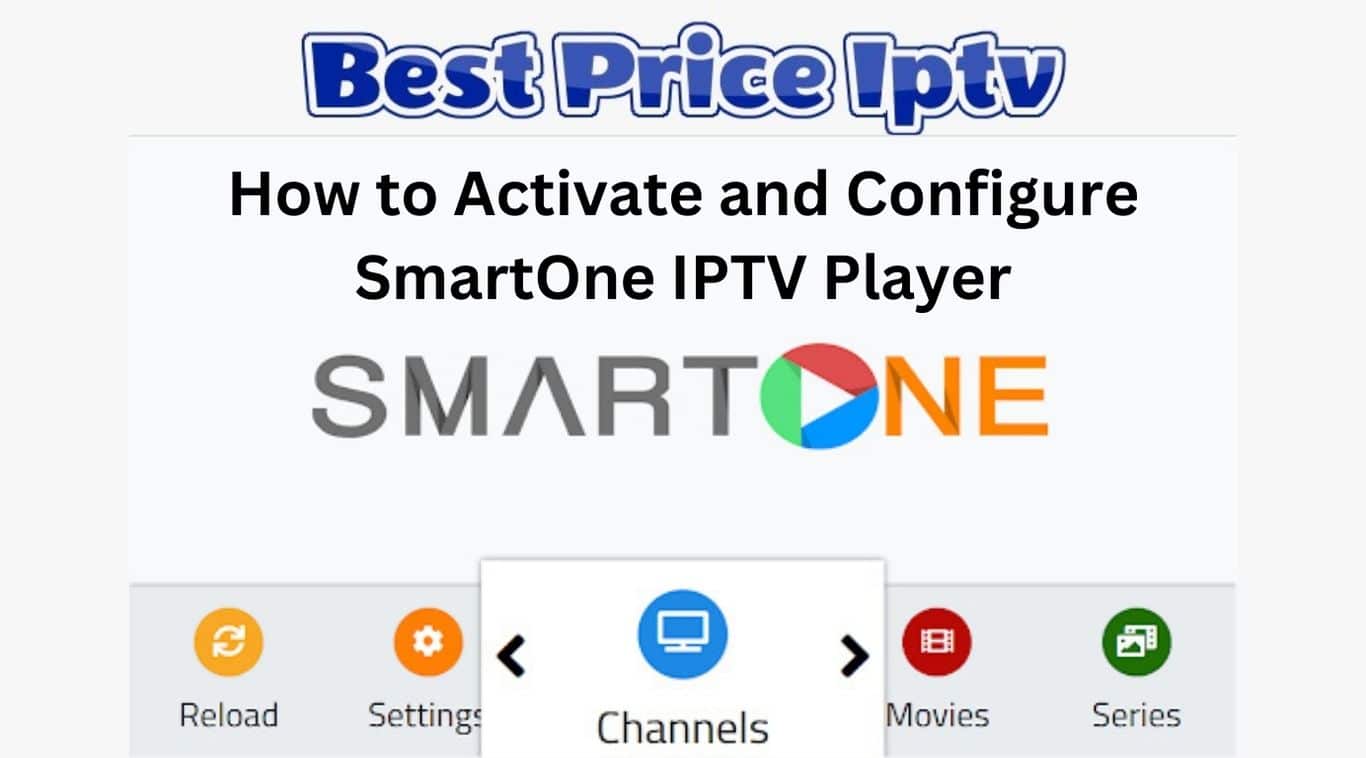
One of the standout qualities of SmartOne IPTV Player is its user-friendly interface. Whether you’re tech-savvy or a novice, you’ll find navigating through the app a breeze. The main screen displays your favorite channels, series, and on-demand content in a streamlined manner. Here are some navigation highlights :
- A one-time payment that activates the IPTV player account on your device.
- It supports multiple languages, including English, Spanish, French, and others.
- The design of this IPTV player is easy to use and visually attractive.
- Provides users with customizable theme choices.
- It also includes a parental control option that allows you to limit your child’s access to the service.
- If you want to include specific channels or content for quick access, you can use the Favorite Manager feature to add your preferred items.
- Allows you to conceal the sections and channels that do not interest you.
- Features over 100 radio stations that are available for free streaming.
- The player is equipped with keys that allow for playback functions such as resuming, playing, pausing, rewinding, and fast-forwarding.
- Offers real-time scores and outcomes of all ongoing sports events.
- Offers a multi-device management system that enables you to manage your smart TVs.
How to Activate and Configure SmartOne IPTV Player
Before you can use this IPTV player app, you must pay €12.99 for lifetime access. Alternatively, you can opt for an annual payment of €2.50 for access to the IPTV service. To complete the payment process, visit the activation website (https://smartone-iptv.com/plugin/smart_one/main_activate) and enter your MAC address.
- Launch the IPTV player you downloaded on your device and pay attention to the MAC address.
- In the meantime, access the web browser on your smartphone or computer.
- Next, go to the official website (https://smartone-iptv.com/) and select the Upload Playlist option.
- Then, enter the MAC ID, Playlist Name, and M3U Playlist provided by your IPTV service provider.
- Lastly, select the Generate Smart Key option to upload the IPTV content to your device.
That’s all there is to it. You can now restart the IPTV player app and enjoy streaming your preferred content.
Benefits of Using SmartOne IPTV Player
Using SmartOne IPTV Player offers numerous advantages, making it a popular choice among savvy streamers. Here are some key benefits:
- User-Friendly Interface: Navigate effortlessly through a smooth, intuitive design.
- Multi-Device Compatibility: Access your favorite shows across various devices, from TVs to smartphones.
- Wide Language Support: Available in multiple languages, enhancing accessibility for everyone.
- Free Trial: Enjoy a 14-day free trial to explore its features before committing.
- Personalized Experience: Utilize tailored recommendations to discover new favorites.
With these features, SmartOne IPTV Player is set to redefine your viewing experience in 2025!
Installing SmartOne IPTV Player Step-by-Step
Installing SmartOne IPTV Player is a simple process that opens doors to endless entertainment. Here’s a step-by-step guide for you:
- Access the App Store: For Samsung TVs, navigate to the Samsung App Store, while LG users should go to the LG Content Store.
- Search for SmartOne IPTV: Use the search function to find the SmartOne IPTV app.
- Install the App: Click the install button and wait for the process to complete.
- Activate Developer Mode (for Orsay TVs): Use Sync server IP address 152.228.218.238 to activate.
- Start App Sync: Finish up by starting User Application Synchronization.
Before diving in, ensure your device meets the following requirements:
- Compatible Smart TVs: Samsung (Tizen, Orsay), LG (Netcast, WebOS).
- Internet Connection: A stable internet connection for seamless streaming.
- Storage Space: Sufficient space for the app installation.
With these guidelines, you’re all set to enjoy your SmartOne IPTV Player!
Activating SmartOne IPTV Player
Activating your SmartOne IPTV Player is a breeze! Follow these four straightforward steps to get started:
- Install the App: Locate and download the SmartOne IPTV app from your TV’s App Store.
- Open the App and Get the Code: Launch the application to see an activation code displayed on your screen.
- Activate Online: Visit the SmartOne IPTV website. Here, you’ll find an activation section where you can enter the code from your TV.
- Refresh and Enjoy: After completing your subscription, return to the app and refresh it to start streaming your favorite content!
Comparison with Other IPTV Players
When evaluating SmartOne IPTV against other IPTV players, several features stand out. For instance:
- Multi-Device Support: SmartOne IPTV is compatible with various smart TVs like Samsung and LG, while some players may only support Android or Fire TV.
- User-Friendly Interface: SmartOne offers an intuitive layout that simplifies navigation, making it easy for users of all ages to find their favorite shows.
- Playlist Management: Unlike some IPTV players that limit playlist uploads, SmartOne allows multiple M3U playlists, enhancing user flexibility.
In terms of performance, users appreciate SmartOne’s stability during streaming, often citing fewer interruptions compared to its competitors.
Installation and Activation Process SmartOne IPTV APK download
Installing and activating SmartOne IPTV Player is a straightforward process. To recap:
- Download the App: Start by downloading the SmartOne IPTV app on your compatible device.
- Launch and Note MAC Address: Open the app and take note of the MAC address that appears on the screen.
- Access the Activation Page: In a browser, go to the SmartOne IPTV activation page, enter the MAC address, and choose your activation plan.
- Complete Payment: Proceed with the payment, and your SmartOne IPTV Player will be activated.
This simple process ensures you’re all set to enjoy seamless streaming.
SmartOne IPTV APK latest version
Looking ahead, SmartOne IPTV Player holds great potential in the ever-evolving world of streaming. With its robust support for multiple devices and continuous updates, it can adapt to changing viewer preferences. As IPTV technology advances, SmartOne may integrate more features such as enhanced personalization, improved content discovery, and further support for 4K streaming. Overall, SmartOne IPTV is poised to remain a leading choice for viewers seeking flexible and high-quality viewing experiences.


3 Comments